Isolating Networks in OPNsense


Home Network Guy
@homenetworkguyAbout
Welcome to the channel! I am Dustin Casto, a home networking and homelab enthusiast. On this channel, I will be ‘going beyond the basics of home networking’ and having fun with various homelab projects!
Latest Posts


Video Description
Learn how to isolate internal networks in OPNsense using firewall rules. This video builds upon an earlier video about the firewall rule order in OPNsense. These rules provide a solid foundation in which you can create additional rules to allow or deny access to other parts of your network as you see fit. 00:00 Introduction 00:46 New interface-- no rules 02:22 Allow all rule 03:24 1st way-- block LAN net 05:20 2nd way-- block private IP addresses 08:50 3rd way-- allow all except private IP addresses 11:50 A note about ICMP/ping 12:22 Conclusion 13:04 Outtakes EP19






Secure Networking Upgrades
AI-recommended products based on this video

Micro Firewall Appliance/Mini PC, OPNsense, VPN, Router PC, Celeron N5105, 4x2.5GbE I226-V Fanless Computer, AES-NI, HDMI, DP, 32G RAM 1TB SSD

Micro Firewall Appliance, Mini PC, OPNsense, VPN, Router PC, Celeron J6412, Fanless Computer, 4 x 2.5GbE I226-V, HDMI2.0, DP, 8G RAM 128G SSD

82599ES 10G SFP+ Mini PC, Core i3-N305 Firewall Router, 2 x 2.5GbE i226-V LAN Computer Hardware, 32GB RAM 1TB SSD Micro Router Appliance, AES-NI, OPNsense, TF, 2xHD, Type-C

2.5GbE Mini PC Firewall Micro Appliance N100 6xI226-V LAN VPN Fanless Router Computer AES-NI OPNsense HDMI DP 32GB DDR4 RAM 1TB M.2 NVMe SSD
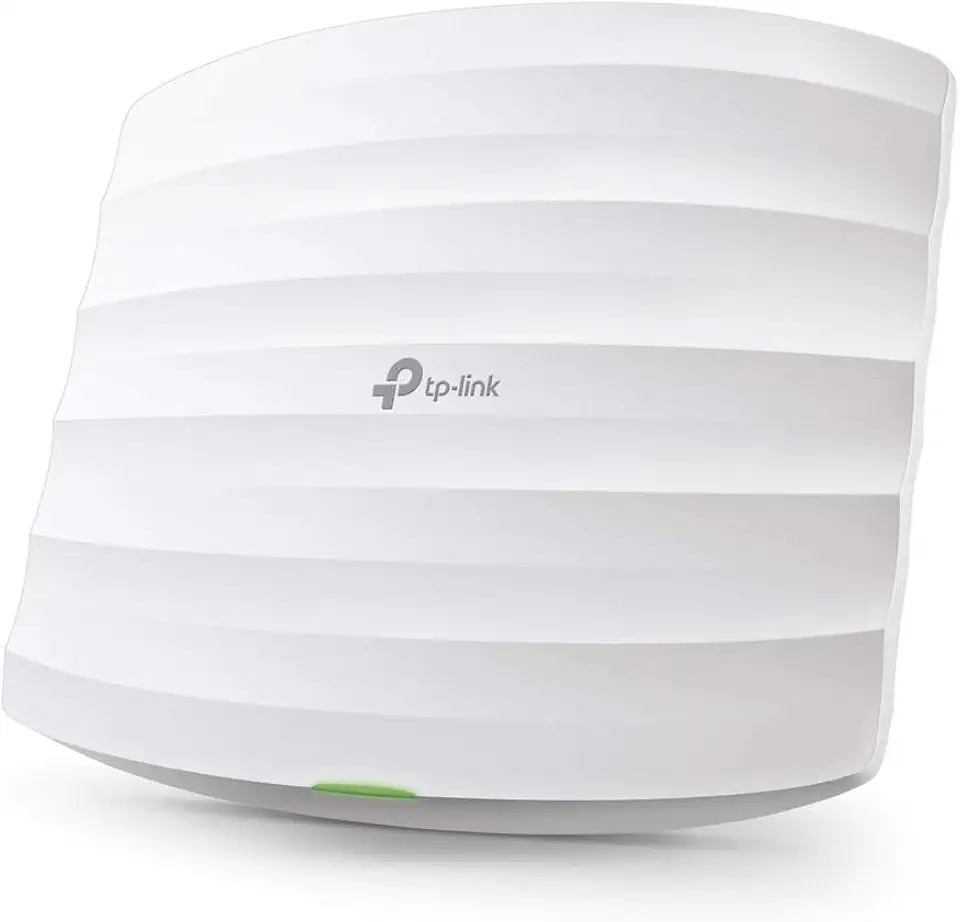
TP-Link Omada AC1750 Gigabit Wireless Access Point (EAP245 V3) - Business WiFi Solution w/Mesh Support, Seamless Roaming & MU-MIMO, PoE Powered, SDN Integrated, Cloud Access & Omada App, White
