Looker Studio Tutorial For Beginners


Loves Data
@lovesdataAbout
Learn how to use Google Analytics, Google Tag Manager, Google Ads, and Looker Studio with Loves Data. We're here to help you get the most out of Google's platforms and your data. And we're about getting to the good stuff and skipping the fluff.
Latest Posts


Video Description
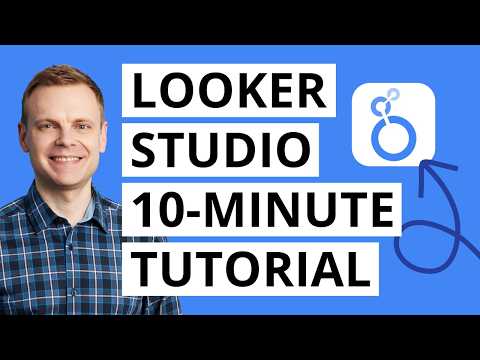
Learn how to use Looker Studio to create reports and dashboards. In this step-by-step Looker Studio tutorial for beginners, you will learn how to create your first report, including adding a data source, adding and customizing charts, adjusting styling, and more. Let's get started! REGULAR EXPRESSION: ^\(.+)\)$ JUMP TO A TOPIC: 00:00 Introduction 00:38 Looker Studio overview 01:07 Create a new report 01:26 Connect a data source 03:06 Report canvas 03:17 Charts and chart customization 10:59 Filtering charts 17:37 Renaming fields (dimensions and metrics) 18:13 Adding a date range control 18:46 Changing the theme and style 19:19 Next steps YOUR EXTRA RESOURCES: Looker Studio Course (paid): https://www.lovesdata.com/courses/looker-studio Using quick filters in Looker Studio: https://youtu.be/uWTxQ01FFvo Create GA4 calculated metrics in Looker Studio: https://youtu.be/YmvteHKlSNI Combine data in Looker Studio: https://youtu.be/qQfUwClQBPk TOOLS WE USE AND RECOMMEND: ○ Data connector – https://lovesdata.co/oOWkI ○ Cookie banner – https://lovesdata.co/letON ○ Email platform – https://lovesdata.co/zrLd7 ○ Course platform – https://lovesdata.co/2Zzfq #LookerStudio #LookerStudioTutorial #GoogleDataStudio Join our courses: https://www.lovesdata.com/courses Subscribe to our YouTube channel: http://www.youtube.com/subscription_center?add_user=lovesdata







Boost Your Data Visualization Skills
AI-recommended products based on this video

Media Management and Artificial Intelligence: Understanding Media Business Models in the Digital Age
