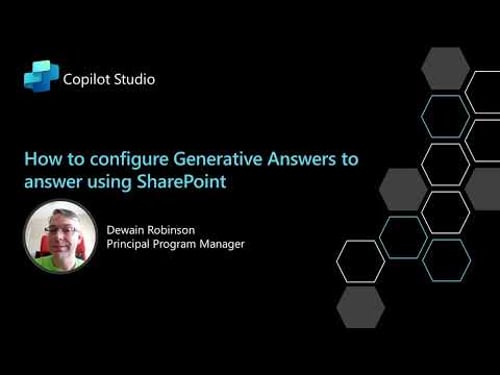
How to configure Generative Answers in Copilot Studio to use SharePoint

Dewain Robinson - The Copilot Studio Dude
@dewain27About
Helping people leverage Copilot Studio to build amazing Copilots.



Video Description
In this video, I walk you through the steps needed to configure Copilot Studio to use SharePoint as a location for Generative Answers. There are many videos out there and they all leave a few steps out. This is the definitive guide on how to do this. Here are the links to the docs on the Microsoft site about it, but you will see that some steps aren't that clear making this one of the most asked questions from my customers and friends. https://learn.microsoft.com/en-us/microsoft-copilot-studio/configuration-authentication-azure-ad https://learn.microsoft.com/en-us/microsoft-copilot-studio/nlu-generative-answers-sharepoint-onedrive I hope you find this helpful and don't forget to like an subscribe!



Copilot Studio Essentials
AI-recommended products based on this video

Lenovo ThinkPad E16 Business Laptop (16" FHD+ Touchscreen, Intel 13th Gen 10-Core i7-1355U, 40GB RAM, 2TB SSD) Backlit, Fingerprint, FHD Webcam, Ethernet, Thunderbolt 4, Win 11 Pro w/ AI Copilot

Dell 15.6" FHD Touchscreen Student and Business Laptop – AMD Ryzen 7 7730U, Radeon Graphics, 16GB DDR4 RAM, 512GB SSD, USB-C, HDMI, SD Card Reader, Wi-Fi 5, Copilot Ready, Windows 11 Pro

Lenovo IdeaPad Duet 3i 10.3" Touchscreen Intel Celeron N4020, 2-in-1 Laptop, Windows 11 Home S Mode + Includes 1-Year Microsoft 365 Personal - 82AT00KJCC
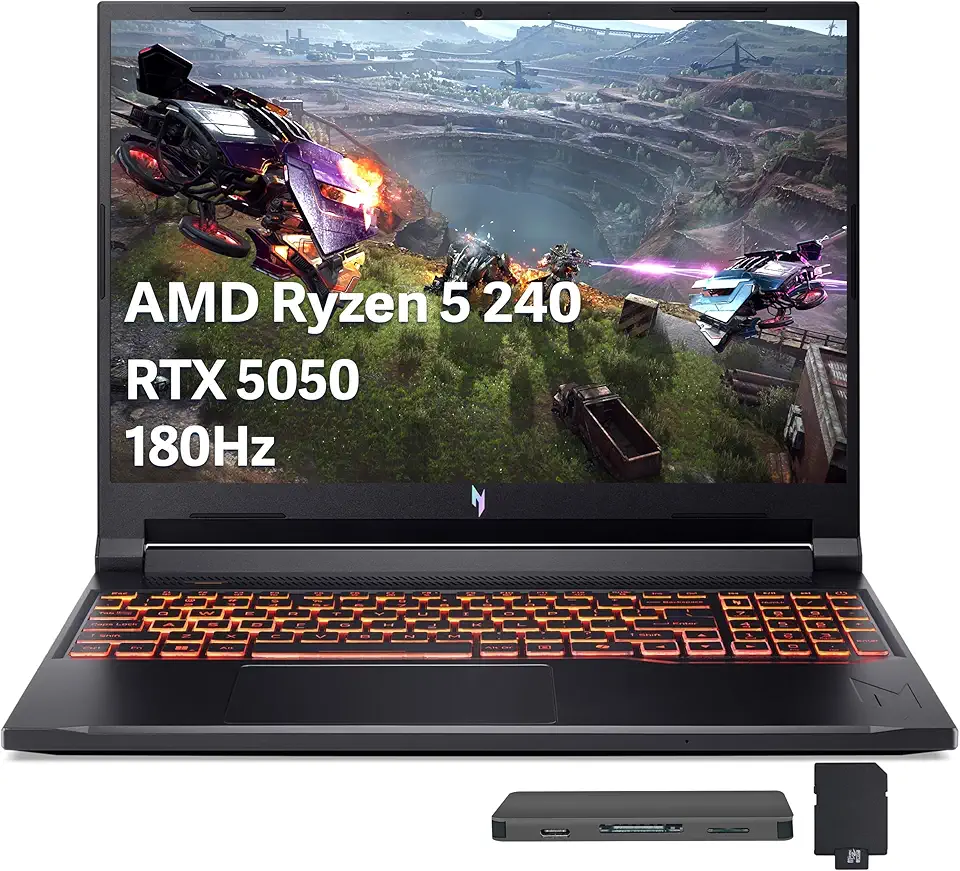
Acer Nitro V 16 AI Gaming Laptop, 16" WUXGA 180Hz Display, AMD Ryzen 5 240, GeForce RTX 5050, 16GB DDR5, 512GB SSD, Backlit Keyboard, Copilot, Wi-Fi 6E, Win 11, Black, 1TB Docking Station Set
