How To Unlock Your Push Up Strength (In 5 Minutes)

Jeremy Ethier
@jeremyethierAbout
This channel is focused on providing science-backed training and nutritional videos in order to help you become the best version of yourself. I'm certified by NASM and FMS (functional movement screening), and a Kinesiology graduate based in Vancouver, Canada. I focus on providing unbiased information to help you optimize your training and nutrition. Get your personalized training and nutrition plan here: https://bws.plus/yt-ny
Latest Posts



Video Description
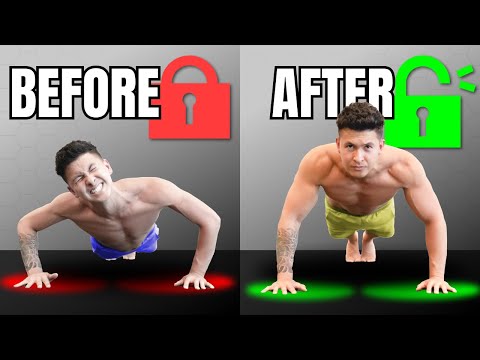
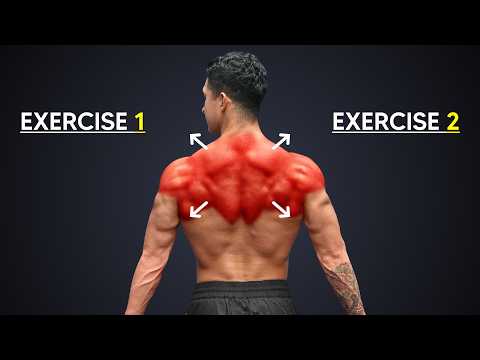
If you want to improve your push up form – and do more push ups, this video is for you. We’re going to show you how to (finally) push up properly by covering how you can optimally set up your body position, stabilize that position by activating the right muscles, and finally, combine it with a few modifications (i.e. push up variations) to unlock its maximum potential. After this video, you can be sure to get better push ups. Your push-up strength and the muscle growth you get from performing it will be taken to a whole new level. First, setup. Getting this right is crucial to if you want to improve your push up form. We’ll start with hand placement. In general, you’d want it such that if you were to look down from an overhead view, your elbows should make an “arrow” shape. To find your sweet spot hand position, lie down on the floor with your hands at the level of your mid-chest. Take a look at your forearm and elbows. Move your hands until you find the hand width where the forearm is positioned directly over the wrists and the elbows are tucked into that arrow position (roughly a 45 to 60 degree angle). Most of you will end up with a hand placement at the mid-chest level and placed just outside the shoulders. Keep your hands on the floor. Then get onto your hands and knees, with your knees right under your hips. This step is where we’ll focus on turning on several muscles that’ll help better stabilize your body as you perform your push-up, avoiding what’s called “Energy Leaks”. In turn, helping you do more push ups. Start by pushing your knuckle down into the floor and spreading your hands such that there’s space between each of your fingers. This will help us incorporate more of our powerful chest muscles. Next, slide your shoulders down and away from your ears. You should feel your lats turn on as you do this. Then, while maintaining this activation in your lats, push the floor away to open up your shoulder blades to integrate the serratus anterior. At this point, your head will likely be protruding forward. Adjust this by pulling your chin back to draw your head back in line with your body. This helps avoid stressing the neck and also puts our mid-back muscles into a better position for stabilization. At this point we’re done stabilizing the upper body and are ready to move to the lower body. We’ll start by setting your hips in the right position. To do so, think about tucking your tailbone. Once you’ve made it here, you’re ready to step back. Take a breath in, engage your core, and then extend one leg back. Dig your toes into the floor and squeeze your thigh really tight to fully extend your leg. Hold that, then step the other leg back and squeeze the other thigh tight. Now you know all the basics of how to push up properly. To perform your push-up, we’re actually going to start by pulling and then pushing. So from the top position we established in step 2, do not just let gravity flop you to the floor. Instead, to get better push ups, think about using your back muscles to pull yourself to the floor as if you were performing a row. Your body will have to travel forward slightly as you do so in order to keep those elbows directly over the wrists like we talked about in step 1. Then, while squeezing your butt and thighs, push away from the floor to the top to open up your shoulder blades again as we did during our setup. At this top position your head, hips, and feet should make one straight line. Maintain this as you proceed to your next reps. Now that we’ve nailed down your perfect push-up, it’s time to modify it and use the appropriate push up variations based on your current strength level and body type. If you struggle with push-ups and can’t do more than 10 good push-ups, you can either do leg-banded push ups or incline push ups. For those who instead have “mastered” the standard push-up and can perform more than 20 good reps with them, it’s time to increase the difficulty. The most convenient way is to just slow down the reps. Instead of taking 1 second to go down, extend it to 3 seconds. Do the same on the way up. Once that becomes too easy, incorporate a 1-2 second pause at the bottom as well. My personal favorite, however, is banded push-ups. If you want to maximize your growth and strength, it’s important to apply this same level of detail and execution with all of your exercises, not just your push-up. For a step-by-step program that shows you how to do just that, with in-depth tutorials for each and every exercise included in your program, then take our free quiz below to determine which of our programs are best for you and your goals: https://builtwithscience.com/your-potential-realized/?utm_source=YouTube&utm_medium=Video&utm_campaign=11%2F07%2F2021&utm_content=How%20To%20Unlock%20Your%20Push-Up%20Strength%20(In%205%20Minutes) Subscribe to my channel here: https://www.youtube.com/jeremyethier/?sub_confirmation=1 Music by: https://brettjanzen.ca/ [email protected]
You May Also Like











Upgrade Your Gaming Setup Now
AI-recommended products based on this video

95MM T129215SU Cooling Fan for ASUS ROG Strix for GeForce RTX 3060 3070 3080 3090 Ti Graphics Card CF1010U12S/D T129215BU(Black A-Fan T12)
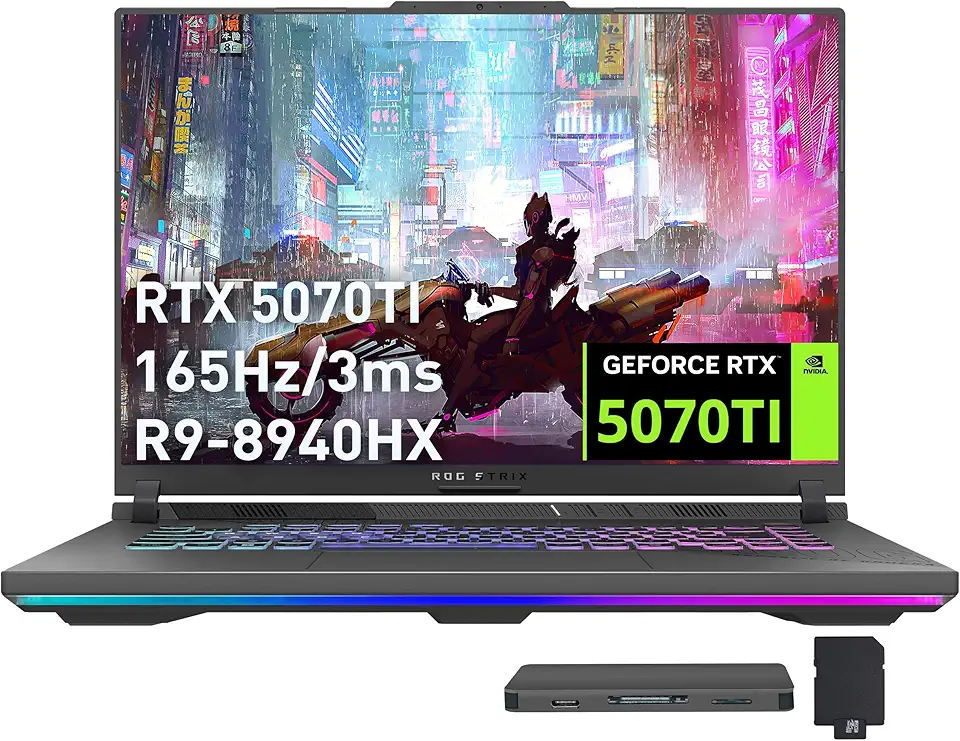
ASUS ROG Strix G16 Gaming Laptop, GeForce RTX 5070 Ti 12GB GDDR7, AMD Ryzen 9 8940HX, 64GB DDR5, 2TB SSD, Backlit Keyboard, Wi-Fi 6E, 16" WUXGA 165Hz Display, Win 11, Gray, 1TB Docking Station Set

ASUS ROG Strix G16 (2024) Gaming Laptop, 16” 16:10 FHD+ 165Hz, GeForce RTX 4060, Intel Core i7-13650HX, 16GB DDR5, 1TB PCIe SSD, Wi-Fi 6E, Windows 11, G614JV-AS71-CA

Asus ROG Gladius III Wireless AimPoint Gaming Mouse, Connectivity (2.4GHz RF, Bluetooth, Wired), 36000 DPI Sensor, 6 programmable Buttons, ROG SpeedNova, Replaceable switches, Paracord Cable, White

MSI Stealth A18 AI+ A3XWIG-013CA 18" UHD+ mini LED 120Hz Gaming Laptop, AMD Ryzen AI 9 HX 370, RTX 5080, 64GB DDR5, 2TB NVMe SSD, Windows 11 Home
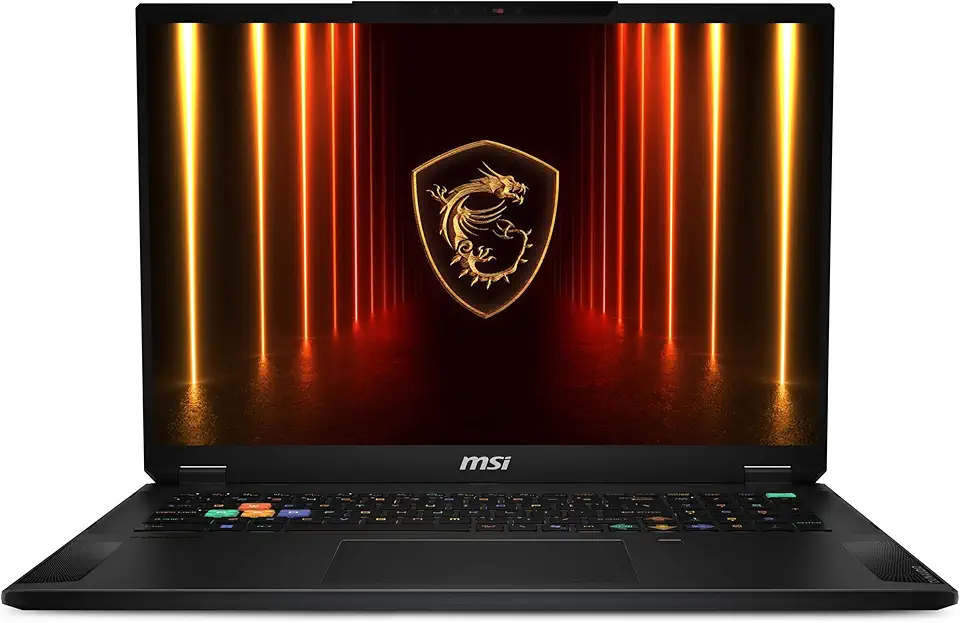
MSI Stealth 18 HX AI 18” 240Hz QHD+ Gaming Laptop: Intel Ultra 9-275HX, NVIDIA Geforce RTX 5080, 32GB DDR5, 2TB NVMe SSD, Wi-Fi 7, Win 11 Home :Midnight Black A2XWIG-045US

230W Charger Compatible with Razer Blade 14” 15” 16" 17” (2025-2018) RZ09 RTX-3060/3070/3080/4060/4070 Gaming Laptop RC30-0530 RC30-0238 RC30-0248 Replacement Power Adapter
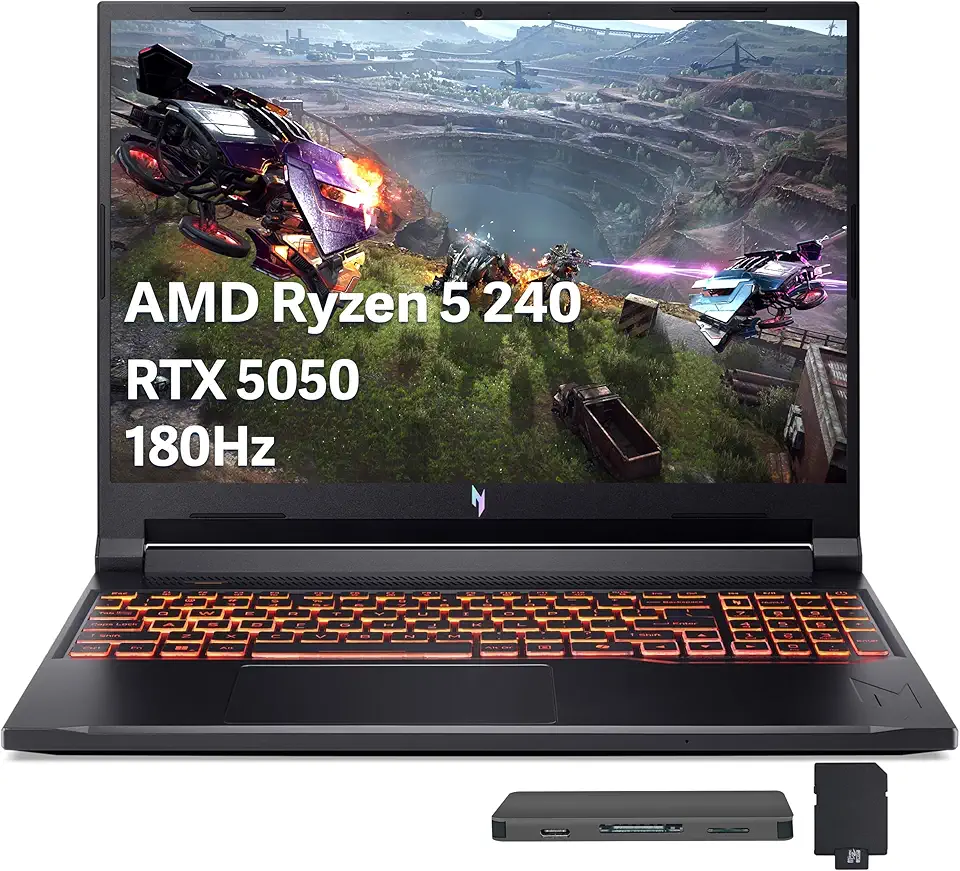
Acer Nitro V 16 AI Gaming Laptop, 16" WUXGA 180Hz Display, AMD Ryzen 5 240, GeForce RTX 5050, 16GB DDR5, 512GB SSD, Backlit Keyboard, Copilot, Wi-Fi 6E, Win 11, Black, 1TB Docking Station Set

Acer Nitro V 15.6" FHD 165Hz Gaming Laptop, Intel i5-13420H, 16GB RAM, 512GB SSD, NVIDIA GeForce RTX 5050 8GB GDDR7, Copilot, Backlit Keyboard, Wi-Fi 6, Win 11, Black, 1TB Docking Station Set

llano RGB Laptop Cooling Pad with Powerful Turbofan Gaming Cooler Radiator with Infinitely Variable Speed, Touch Control, LCD Screen, 3-Port USB Hub, Seal Foam for Notebook Computer 15-19in

Asus ROG Delta II Wireless Gaming Headset with Detachable Mic – Tri-Mode (BT, 2.4GHz, 3.5mm), 50mm Titanium-Plated Drivers, 110Hr Battery, Lightweight, for PC, PS5, PS4, Xbox, Switch, Mobile - Black

Turtle Beach Stealth 600 Wireless Multiplatform Amplified Gaming Headset for Xbox Series X|S, Xbox One, PC, PS5, PS4, Nintendo Switch, & Mobile – Bluetooth, 80-Hr Battery, Noise-Cancelling Mic – Black

Turtle Beach Recon 50 Gaming Headset for Nintendo Switch, Xbox Series X|S, Xbox One, PS5, PS4, PlayStation, Mobile, & PC with 3.5mm – Removable Mic, 40mm Speakers – Red/Blue
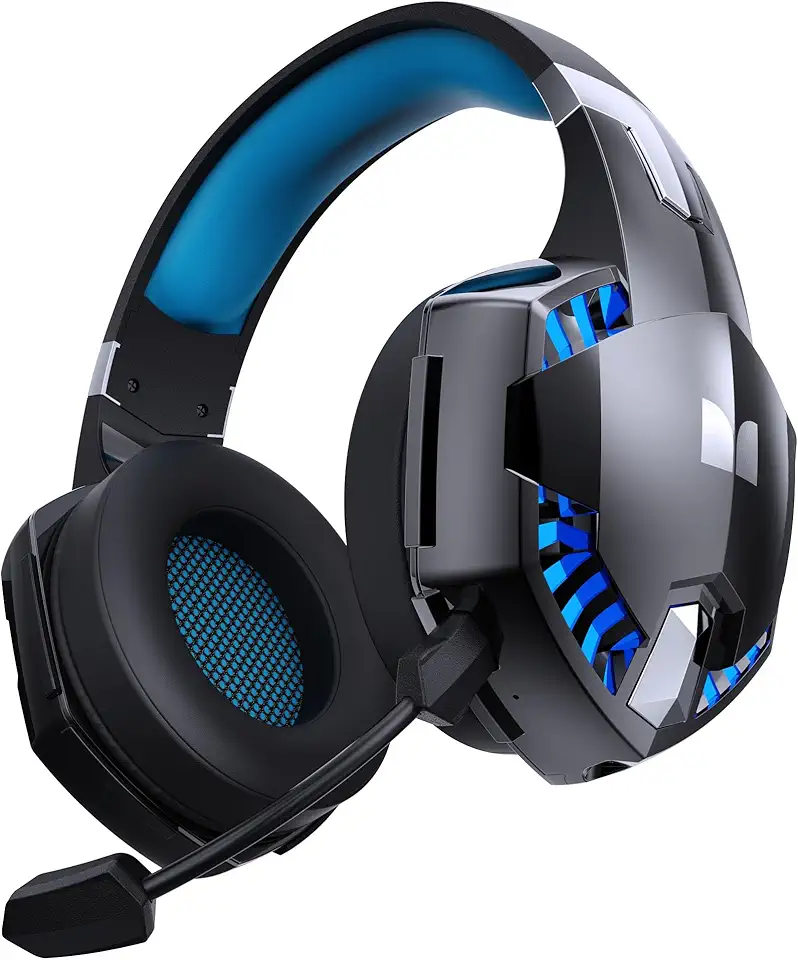
Monster Mission 300 Wireless Gaming Headset, 2.4GHz/Bluetooth Gaming Headphones,Low Latency, Stereo, Audio Location Recognition, 48H Battery Life, Suitable for PS5, PC, PS4 and Other Gaming Devices

Cmokifuly GMK67 65% Mechanical Keyboard Kit Tri-Mode South-Facing RGB LED for 3/5pin Switches,66 Keys+1 Knob Hotswap Socket PCB Gasket Mounted Plate Gaming DIY Keyboard Kit (White)

MSI Gaming Backlit RGB, Dedicated Hotkeys, Anti-Ghosting, Water Resistant Mechanical Feel Gaming Keyboard, Crisp Typing +12 Million Click Life Span, Steady Gaming Base Support (Vigor GK30 US)

Asus ROG Azoth Wireless Mechanical Gaming Keyboard – 75% TKL, Tri-Mode Connectivity, Hot Swappable Pre-lubed ROG NX Snow Linear Switches, PBT Keycaps, RGB, OLED Display, PC/Mac Support - Black

Razer DeathAdder Essential Gaming Mouse: 6400 DPI Optical Sensor - 5 Programmable Buttons - Mechanical Switches - Rubber Side Grips - Classic Black
Asus ROG Gladius III Wireless AimPoint Gaming Mouse, Connectivity (2.4GHz RF, Bluetooth, Wired), 36000 DPI Sensor, 6 programmable Buttons, ROG SpeedNova, Replaceable switches, Paracord Cable, White

Asus ROG Spatha X Wireless Gaming Mouse – MMO/MOBA Design, 12 Programmable Buttons, Right-Handed, 168g, Dual-Mode (Wired/2.4GHz), 19K DPI, up to 67Hr Battery, Magnetic Charging Dock, PC/Mac Support

MSI Clutch GM08 4200 DPI, Accurate Optical Sensor, Durable Build Quality, Adjustable Weight System, Dragon Scale Design Side Grips, On The Fly DPI Changing, Optical Wired Gaming Mouse with Red LED
230W Charger Compatible with Razer Blade 14” 15” 16" 17” (2025-2018) RZ09 RTX-3060/3070/3080/4060/4070 Gaming Laptop RC30-0530 RC30-0238 RC30-0248 Replacement Power Adapter

Lenovo LOQ 15.6" FHD 144Hz Gaming Laptop, Intel Core i5-12450HX, NVIDIA GeForce RTX 2050, 16GB DDR5, 2TB Storage (1TB SSD+1TB Docking Station Set), Number Pad, 720p Camera, Wi-Fi 6, Win 11, Gray
Acer Nitro V 16 AI Gaming Laptop, 16" WUXGA 180Hz Display, AMD Ryzen 5 240, GeForce RTX 5050, 16GB DDR5, 512GB SSD, Backlit Keyboard, Copilot, Wi-Fi 6E, Win 11, Black, 1TB Docking Station Set
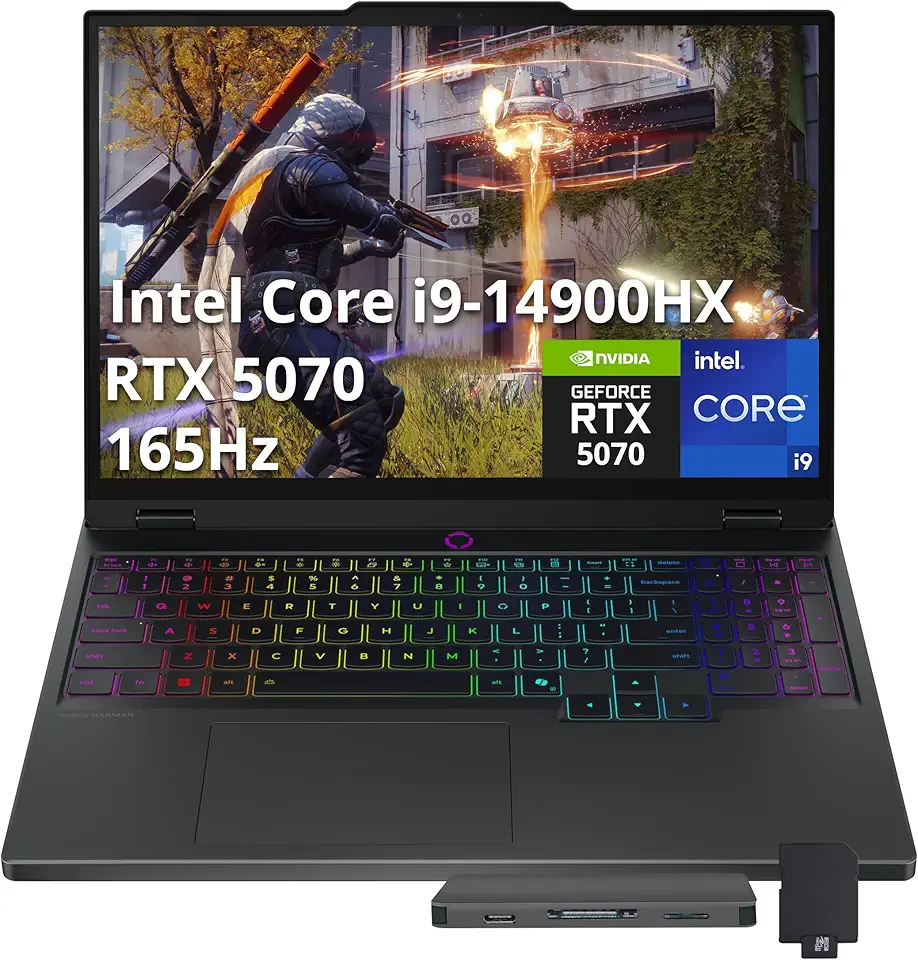
Lenovo Legion 5 15.1" WQXGA 165Hz Gaming Laptop, Intel i9 14900HX, GeForce RTX 5070 8GB GDDR7, 16GB DDR5, 2TB Storage(1TB SSD+1TB Docking Station Set), 24-Zone RGB Backlit Keyboard, Windows 11, Black

18.5 Inch Portable Touchscreen Gaming Monitor, High Resolution 1920x1080 with HDR, for PC, Phone Game Console, Easy Connection, Large Display
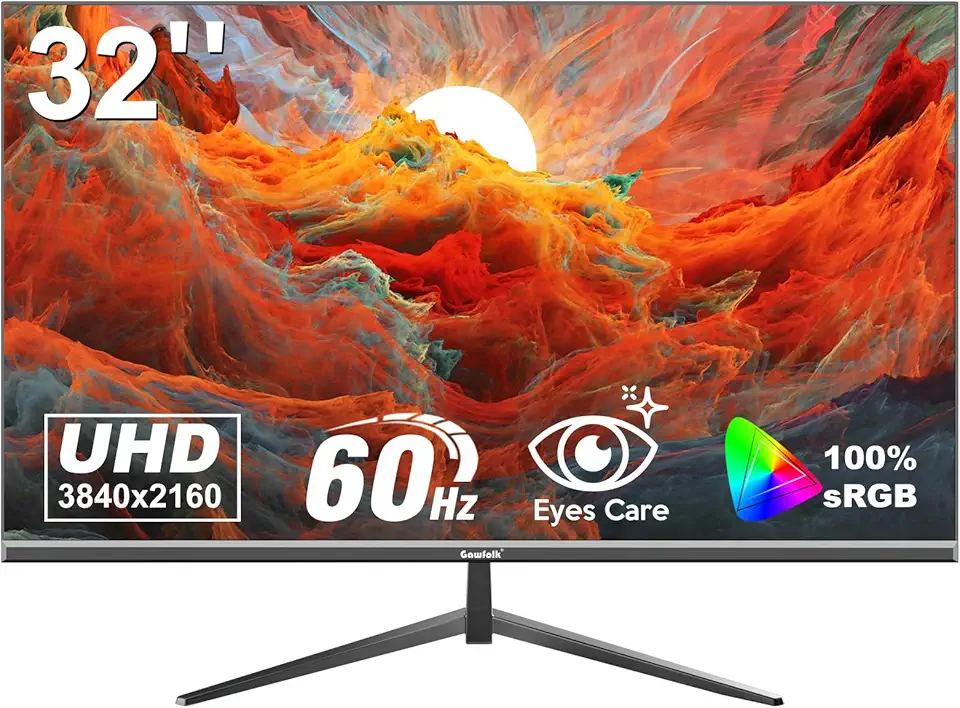
Gawfolk 32 Inch 4K UHD (3840 x 2160) High Resolution,60Hz Ultra-Thin Bezel Computer Monitor ,with HDMI/DP, Home Office Business PC Monitor, Black

ARZOPA Portable Monitor, 16.1" FHD 1080P Kickstand 100% sRGB High Color Gamut Portable Laptop Monitor IPS Eye Care Screen for High-end Office & Entertainment - Z1C

24 Inch Portable Monitor, Smart Touch Screen TV with Built in Battery, High Definition LCD Screen, Floor Standing Display Screen for Home (US Plug)

msi Crosshair 16 Gaming Laptop - with 2024 Office Lifetime License, GeForce RTX 4070, 16" FHD+ 144 Hz Display, 14th Gen Intel 16-Core i7 14650HX, Backlit KB, Windows 11 Pro (32GB DDR5 RAM | 1TB SSD)

GIGABYTE - AORUS Elite 16 Gaming Laptop - 165Hz 2560x1600 WQXGA - NVIDIA GeForce RTX 5070 - Intel Core Ultra 9 275HX - 1TB SSD with 32GB DDR5 RAM - Windows 11 Home AD (AORUS Elite 16 BWHC3USC64SH)
